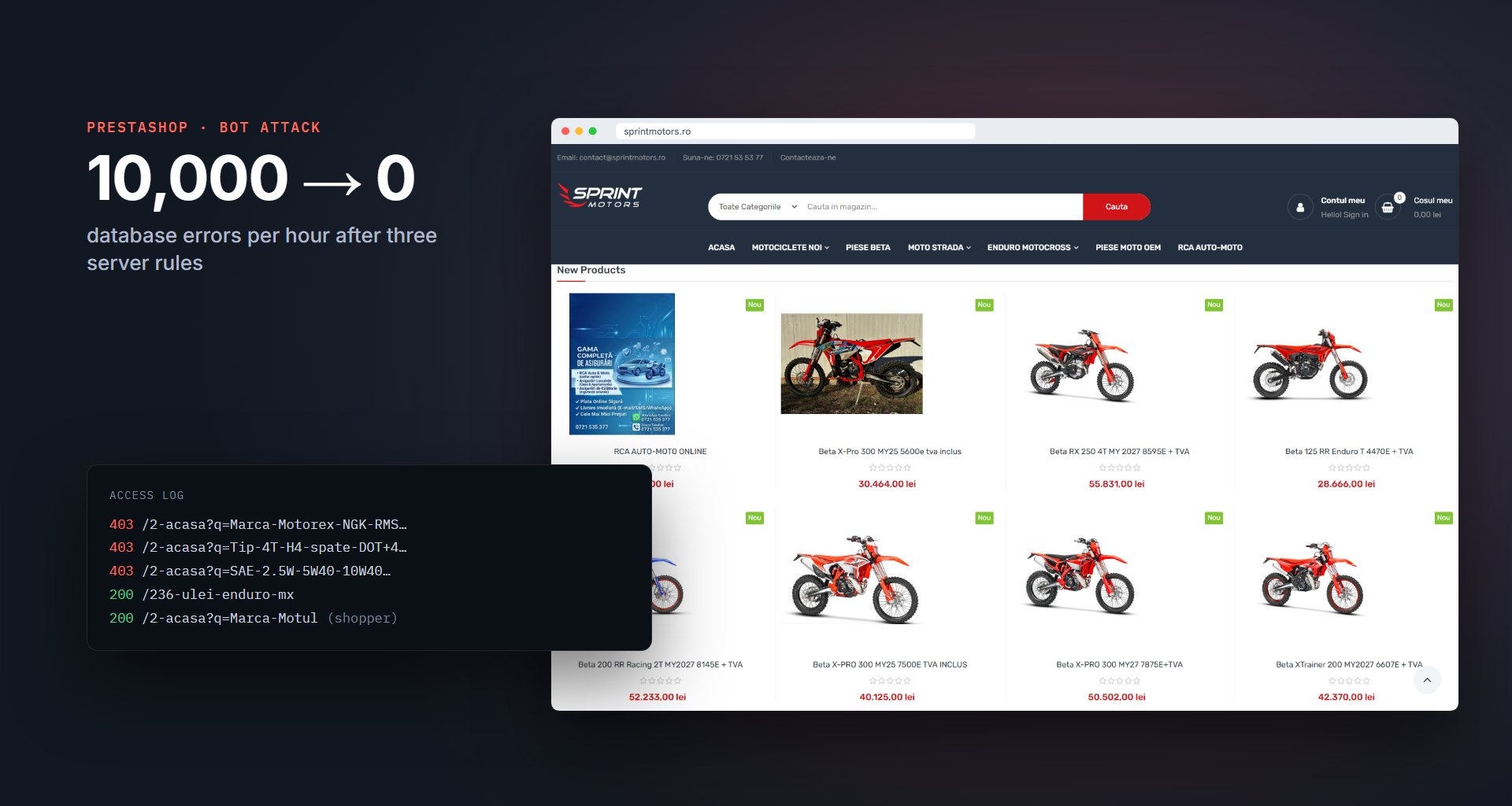
Client: Sprint Motors, a motorcycle shop and parts retailer · Website: sprintmotors.ro · Services: incident investigation, server hardening, PrestaShop maintenance · Date: October 2026
Sprint Motors sells motorcycles, riding gear and spare parts through a PrestaShop store with thousands of products. At the end of October 2026 the store started showing a “500 Server Error” page to its customers, again and again, for almost two days. We found the cause in the server logs: a bot network scraping the product filters. We stopped it with three small server rules, and the store has not logged a single database error since.
The challenge
The error page carried the store’s own design, so the problem was clearly inside PrestaShop and not at the hosting provider. The Apache error log, usually the first place to look, was full of “client denied by server configuration” lines. Those turned out to be a red herring: they were requests from Meta’s crawler, blocked on purpose a few days earlier, and none of them reached the store.
The real answer was in PrestaShop’s own exception log. The file for 29 October was 62 MB, and every one of its lines carried the same message:
Link to database cannot be established: SQLSTATE[42000] [1226]
User 'sprintmo_shop' has exceeded the 'max_user_connections' resource (current value: 30)
The hosting plan allows the store 30 open database connections at a time. Something was keeping all 30 busy around the clock, and every visitor who came after that got the error page. That came to roughly 10,000 failed page loads per hour, at 3 a.m. as well as at noon.
Finding the cause
A flat error rate through the night is not what a busy shopping day looks like, so we went to the raw access logs for October and counted requests per hour. Normal traffic for the store is 1,000–4,000 requests per hour. On 29 October, starting at 04:36, it jumped to 17,000–22,000 per hour and stayed there.
Out of 647,000 requests in that period, about 580,000 went to a single page, the home category, with random product-filter combinations attached:
/2-acasa?q=Marca-Motorex-NGK-RMS-TNK-Honda
/2-acasa?q=Tip-4T-H4-spate-DOT+4&page=2
/2-acasa?q=SAE-2.5W-5W40-10W40-80W90-20W50
The requests came from about 260,000 different IP addresses, mostly home internet connections around the world, which is typical of a rented proxy network. All of them claimed to be Chrome on a Mac, and none of them came with a referring page. A customer always clicks a filter on a page they already have open, so a real filter request always has one.
That explained the database. PrestaShop’s faceted search builds a new, uncached database query for every filter combination. Thousands of random combinations per minute meant thousands of heavy queries per minute, and the 30 connections never got a chance to free up.
Why the existing blocks did not help
The store already had some protection in its .htaccess file: IP blocks for Meta’s crawler and another bot network, plus rules against scraping tools and very long filter URLs. Blocking 260,000 rotating IPs one by one was never going to work, but there was a second, less obvious problem.
When Apache refuses a request, it still needs an error page to send back. On this server, PrestaShop itself produced that page, so every blocked request still started PrestaShop and opened a database connection, only to answer “forbidden”. The blocks kept the bots away from the content, but the database still did the work. The same mechanism explained why each blocked Meta request appeared twice in the error log, once for the page and once for index.php.
The solution
We fixed it with three changes to the server rules. We tested each one against normal pages, search, pagination and real filter clicks before moving on, and kept a backup of the original file.
- Block the bot’s pattern, not its addresses. Filter URLs (
?q=) that arrive with no referring page now get “403 Forbidden”. Real shoppers click filters from a category page, so their requests carry a referrer and work exactly as before. - Make a blocked request cost nothing. One line,
ErrorDocument 403 "Forbidden", makes Apache answer blocked requests with plain text in about 0.1 seconds, without starting PHP or touching the database. - Make the rules permanent. PrestaShop regenerates part of
.htaccesswhenever certain settings are saved in the back office, and anything inside that section is lost. We moved the new rule and the existing anti-scraper rules above it, where PrestaShop leaves them alone.
ErrorDocument 403 "Forbidden"

<IfModule mod_rewrite.c>
RewriteEngine On
RewriteCond %{QUERY_STRING} (^|&)q= [NC]
RewriteCond %{HTTP_REFERER} ^$
RewriteRule ^ - [F,L]
</IfModule>
There is a side benefit for SEO: search engines stop crawling thousands of near-identical filter pages, which only dilute a store’s rankings.
The results
| Measure | During the attack | After the fix |
|---|---|---|
| Database errors | ~10,000 per hour | 0 |
| Homepage load time | Error page, or 6.5 s | 0.8 s |
| Bot filter requests | ~500,000 per day, all served | Blocked in 0.2 s |
| Filters used by shoppers | Working only when the site was up | Working |
- No more outages: the last database error was logged on 30 October at 23:02, the minute the final change went live.
- A faster store: pages load in under 1.5 seconds again.
- No impact on customers: filtering, search and checkout work as before.
- Rules that survive maintenance: changing back-office settings no longer removes the protection.
What other store owners can take from this
- If PrestaShop shows its own 500 page, look in
var/logsbefore anything else. The Apache error log often shows only blocked requests. - An error rate that stays flat through the night points to bots or a stuck process, not to customers.
- Faceted search filters are a favorite target for scrapers, because every combination is a new, expensive page.
- A block that still starts your application on every request takes almost none of the load off your server.
Technologies
PrestaShop 1.7, Apache 2.4 with mod_rewrite, cPanel, and analysis of the PrestaShop exception logs and the Apache access logs.